Froggy Works Demo is out now!
The Froggy Works demo is out now on Steam.
Froggy Works is a desktop companion farming strategy game. You start with a frog, a small patch of land, a few seeds, and enough money to begin. From there you plant crops, manage water and fuel, build machinery, hire more frogs, raise chickens, and turn the island into a farm that can keep running without constant attention.
You can play directly, leave the frogs on Auto-Pilot, dock the game along an edge of the desktop, or keep a small picture-in-picture view open while doing something else. Online farms use a short farm code, so friends can join without setting up a separate server.
The demo is available from the Steam page now. The full game is currently scheduled for July 30, 2026.
Download the Froggy Works demo and wishlist the full game on Steam
The demo uses the first farm map and keeps later maps, three later frog characters, corn, and pumpkins for the full game. The normal simulation, Auto-Pilot, desktop modes, and online farm hosting remain active. Demo players can also join retail players, so this is a useful test of how the game actually plays rather than a separate scripted introduction.
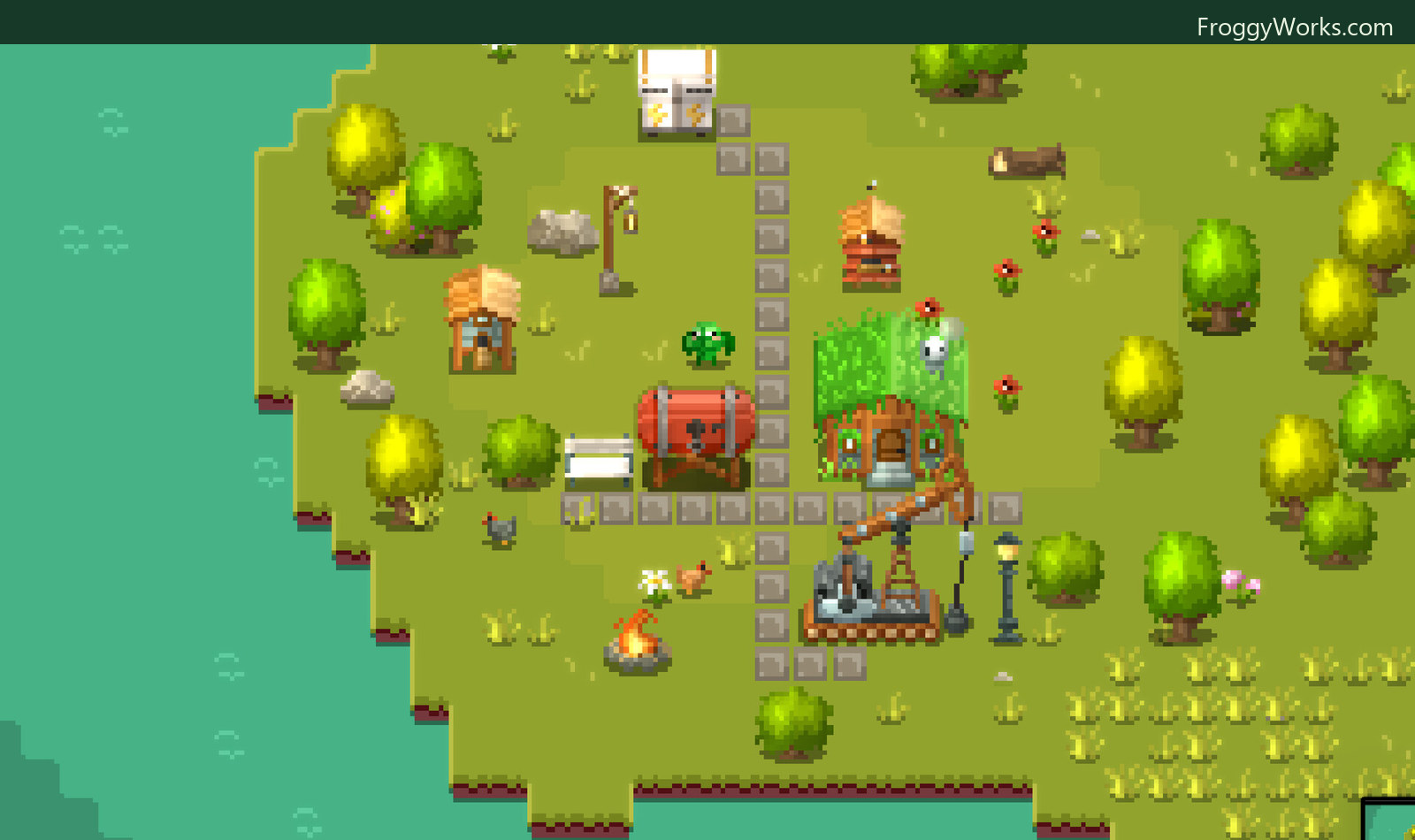
The farm starts small, but it can grow into a network of paths, homes, crop plots, storage, power, water, and production buildings.
A farming game that can run beside your work
I wanted Froggy Works to work in two different ways. It should be a proper little strategy game when it has your attention, but it should also be comfortable living at the side of the desktop.
The active game is about deciding what to build and when. Crops need planting, watering, and harvesting. Markets turn harvest into money. Wells and tanks handle water. Windmills, solar panels, and generators supply power. Other buildings consume fuel, store resources, or automate parts of the farm. Weather and time of day change the conditions around all of that.
The same farm can then be put into a narrow dock or a picture-in-picture window. On Windows and macOS, these are native window modes rather than a video feed from another process. The shared renderer draws the live world again for the PiP surface, centers it on the active frog, applies the current weather and CRT settings, and then restores the main camera state. Windows presents that through a second D3D11 swap chain. macOS uses a Metal-backed panel. Neither path needs to read every frame back through the CPU.
There is also a mouse companion. The small frog overlay uses a transparent, click-through native window, but its behavior is shared in C++. It follows the pointer, selects animations from the same tile definitions used by the game, and can track the active farmer's real state. If the frog is watering, planting, harvesting, or building, the companion can use that activity instead of playing an unrelated canned animation.
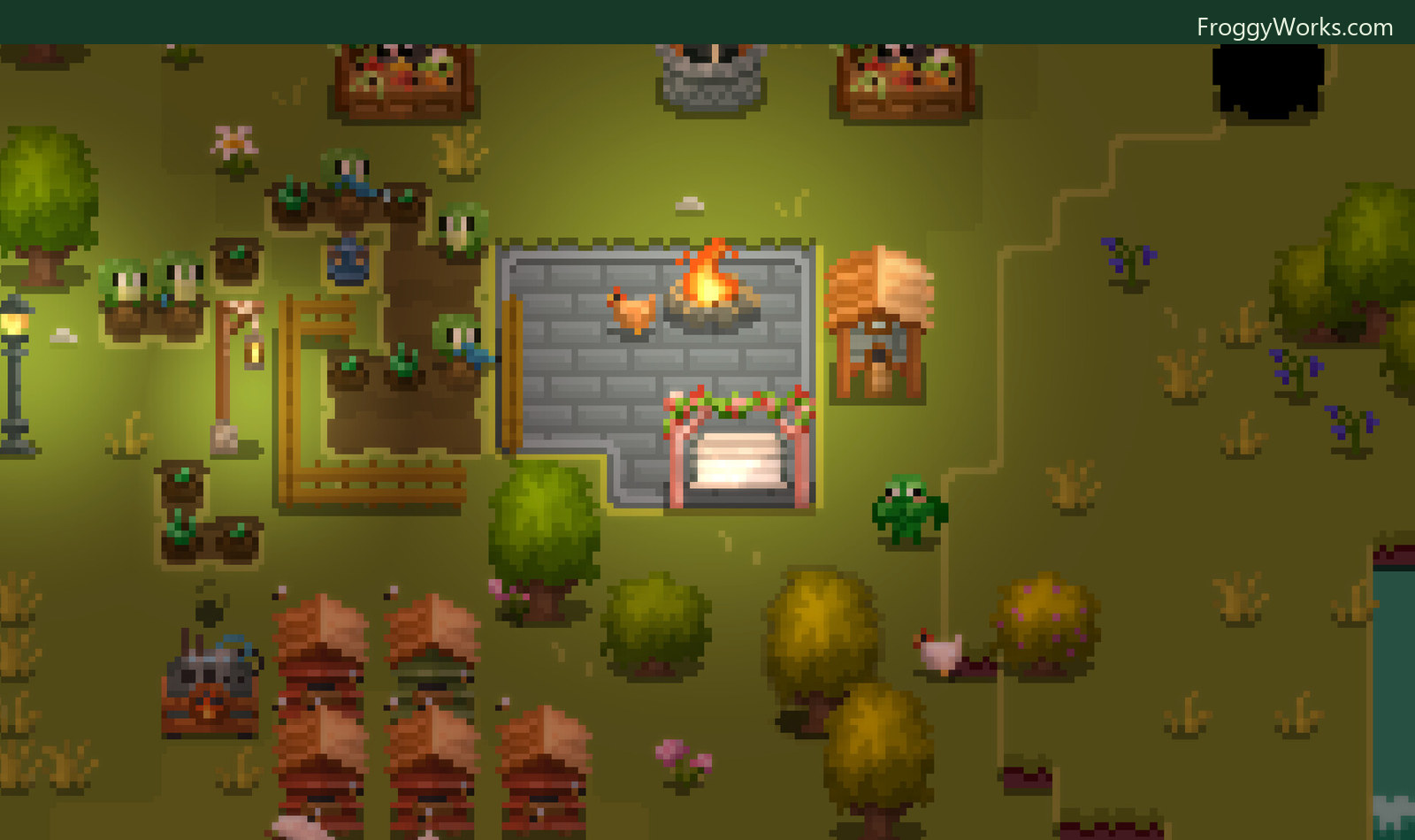
The same world continues through the day and night cycle. Lights, fire, crops, animals, and working frogs remain part of the live simulation.
What Auto-Pilot actually does
Auto-Pilot is not a fixed script that runs through a list of chores. Every autonomous frog has a UnitBrain. A world-level SuperBrain first assigns useful roles such as generalist, farmer, builder, or emergency harvester. The individual brains then evaluate the work that is currently possible and create an objective for the best job.
Each frog reevaluates the available work every 0.12 seconds. Candidate jobs include harvesting, watering, planting, plowing, clearing dead crops, finishing construction sites, and placing structures. The score considers urgency, distance, the frog's role, and what other frogs are already doing. A nearly dead crop is treated differently from a healthy one. A farm without a well or market creates a different priority than one with both systems established.
Coordination happens through a shared TaskBoard. Frogs claim entities and map cells before committing to work, which stops several workers from choosing the same plant or trying to plow the same square. They also leave short-lived spatial penalties behind them. That makes nearby jobs less attractive to the next frog and helps the crew spread across the farm instead of forming a queue around one corner.
The objectives are state machines rather than instant actions. A frog validates the target, finds a route, walks there, issues the normal game command, waits for the action to finish, and releases its claim. If the target disappears or becomes invalid, the objective fails cleanly and the brain can choose something else. A builder can even suspend a construction job when several crops are in danger, harvest them, and then return to the build.
The important part is that Auto-Pilot uses the same command and simulation boundaries as manual play. It does not edit the farm from outside the rules just because the player is not holding the controls.
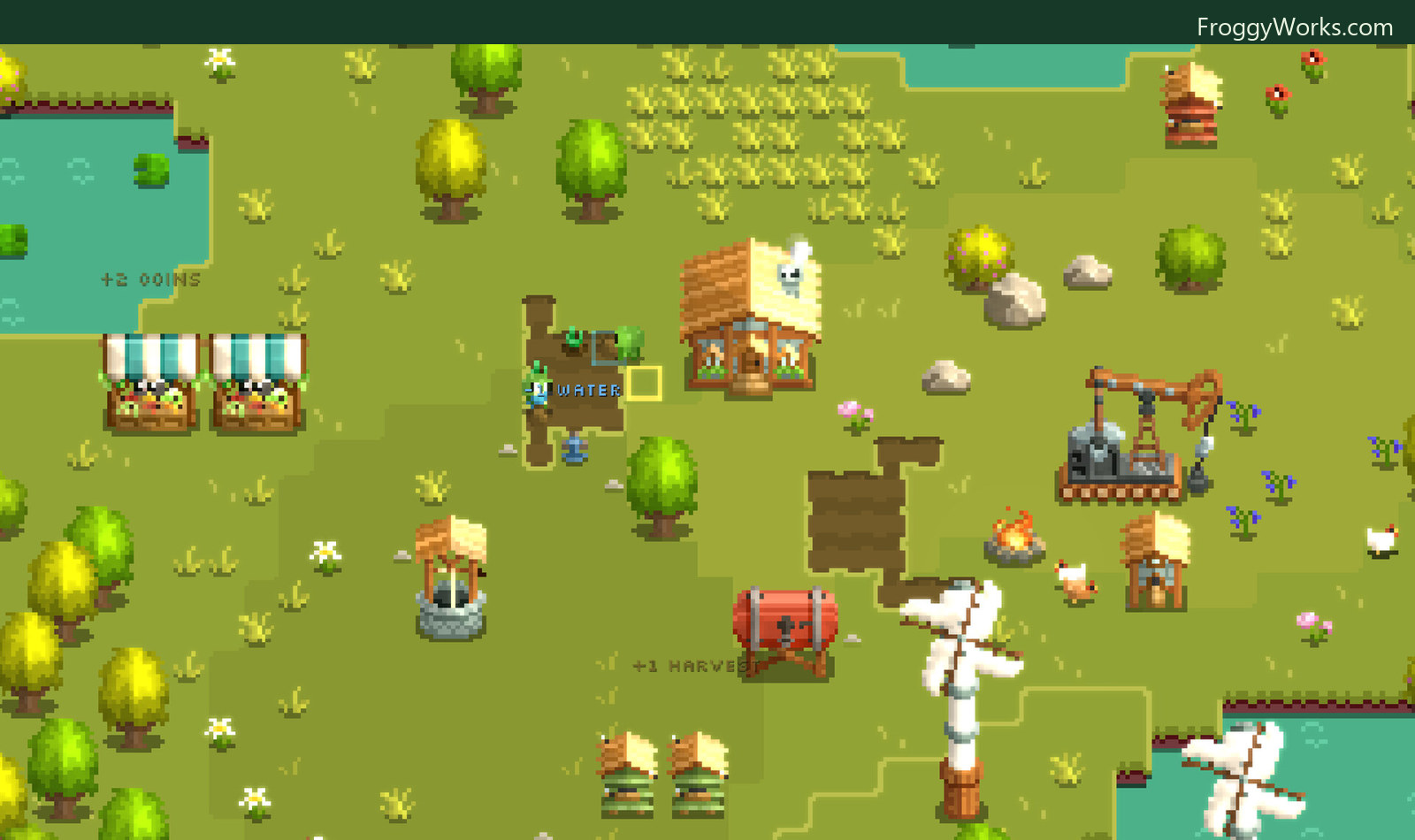
Water, harvest, fuel, coins, and power are connected systems. Auto-Pilot works through the same actions a player uses to keep them moving.
One simulation across the different versions
The current game client is built around a shared C11 and C++20 implementation. The portable C core owns the simulation, commands, saves, pathfinding, AI, and data model. The C++ engine layer owns the application, retained UI, and rendering orchestration. Thin platform shells adapt that work to Win32 and D3D11 on Windows, AppKit and Metal on macOS, and WebAssembly in the browser build.
Game content is data-driven. Human-authored .fwk files describe objects, resources, units, structures, menus, toolbar items, and visual definitions. Compressed level files hold the maps, while generated sprite, weather, and normal-map atlases supply the renderer. The runtime loads those definitions into the same registry used by the simulation and presentation layers.
This separation matters for the demo. It is not a second simplified farming engine made for the store page. It uses the same world rules, AI, commands, renderer, and desktop integration as the full game, with the demo build policy applied around that shared implementation.
Multiplayer follows the same principle. Each participant runs a complete local world, while WebRTC carries player commands and compact owned-unit state. The cloud handles session membership, signaling, farm codes, coordinator election, and recovery checkpoints rather than rendering or ticking every farm. I wrote about that architecture in more detail in How Multiplayer Works in Froggy Works.
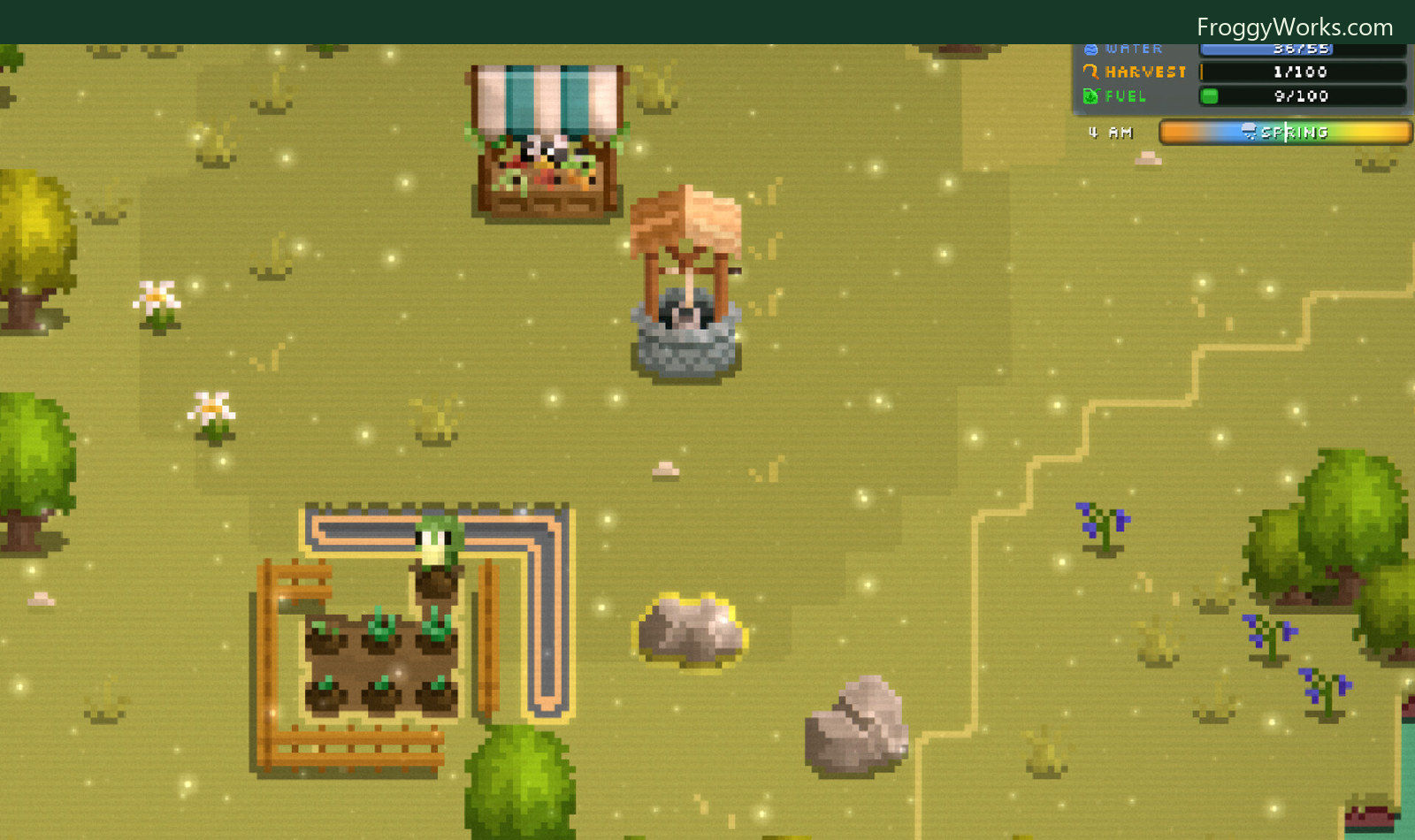
Even a small farm already has several constraints to watch. The resource panel keeps the current water, harvest, fuel, time, and season visible while the world continues underneath it.
Try the demo
The demo is live now. If the idea of a farm that can be played directly, automated, docked beside another window, or shared with friends sounds useful, you can try it from Steam.
The full game is scheduled for July 30, 2026. Wishlisting it helps, and it also keeps the release visible in your Steam account.
Play the Froggy Works demo and add the game to your Steam wishlist